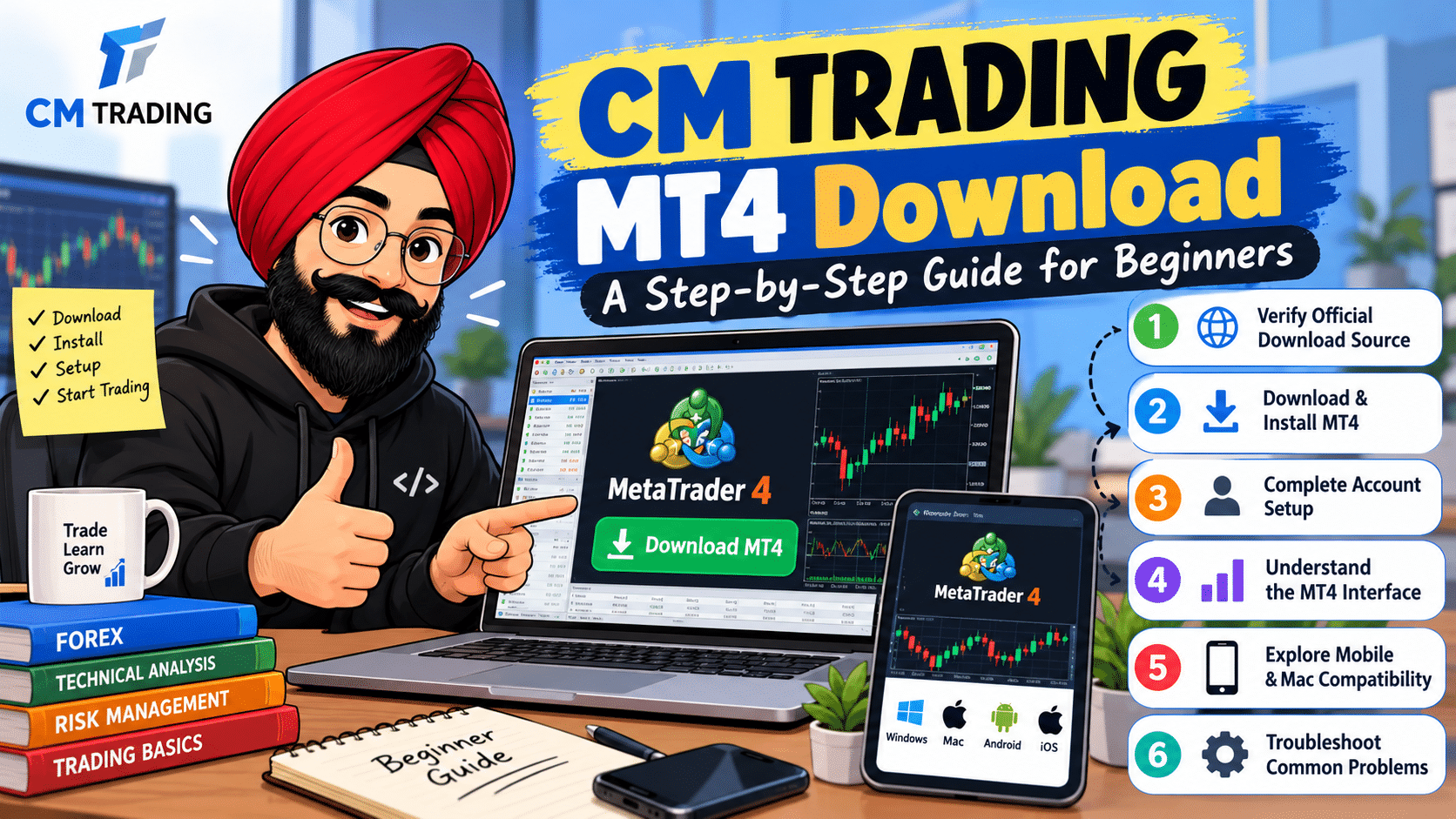

MetaTrader 4 (MT4) is a popular online trading platform that offers tools for technical analysis, position monitoring, and trade management. As a novice trader, installing software that meets your needs and experience should be your priority if you want to start online trading. The CM trading MT4 download process includes choosing the right hardware, downloading the correct installation file, and connecting it to your broker’s trading server. Knowing the basics of each step will help you prevent any problems during installation and get you ready to make your first transaction.
Follow the guide below to download, install, and set up MT4.
Verify the Official Download Source
Always ensure that you have downloaded any trading software from an authentic source and not a third party. An untrustworthy third-party source may compromise your computer system and also lead to your account being hacked.
Check out the official website of CM Trading and go through their trading platforms or MT4 download page. Make sure the platform is compatible with your system and follow the installation guidelines as well.
Download and Install MT4 on Your Computer
After determining the right application, visit the website and download the installer for the MT4 software that is available for your OS. Proceed with downloading the setup file and wait until it downloads completely, then install the program by opening the downloaded file and going through the installation wizard. Afterward, you can start MT4 from either your desktop shortcut or application folder. During the CM trading MT4 download, make sure your internet is fast. If you get a warning from your security program, verify the source of the download.
Complete the Initial Account Setup
Upon completion of the installation process, start MT4 and log in with the trading account you want to use. This might require entering your trading account number and password in addition to the server name, based on the type of your account.
If you have an existing trading account in CM, you will have to log in to your account using the login details provided by the broker. As a new user, ensure that registration and verification of your account are completed before you can trade live.
A good login will enable the platform to access market data. In case of disconnection, ensure that you have the right credentials, the correct server, and an active Internet connection.
Understand the MT4 Interface
Once you are connected, take some time to get acquainted with the key components of the system. Market Watch is where you can see the available assets and their prices, and charts will allow you to analyze the asset’s price changes throughout different timeframes. The Navigator gives access to accounts and technical indicators, while the Terminal tab shows trading and account information.
Work on your chart, indicator selection, and practicing order placement. If you are looking forward to learning more about the MT4 trading platform and its tools, take a look at Weltrade.
Explore Mobile and Mac Compatibility
If you enjoy trading away from your desk, it might be good to check out the CM trading MT4 app via the official website of the broker. Make sure that the app is available, which devices it is supported on, and who published it.
For Apple computers, please verify the compatibility of the CM trading MT4 download for Mac. Based on the broker’s program and your macOS version, an alternative installation program or method may be required. Note that all Windows installation programs cannot be installed directly on a Mac.
Troubleshoot Common Download Problems
If the CM trading MT4 client download fails, check your internet connection, available disk space, operating system compatibility, and download permissions. Sometimes, restarting the download process will solve this problem.
If the CM Trading MT4 software download is successful but installation fails, check whether the downloaded software came from a genuine source and seek assistance from the broker’s support department. You should also ensure that the software version is compatible with your device.
Conclusion
A CM Trading MT4 download may just be the start of your preparations for trading. Ensure that the software is downloaded from a trusted source and sign in to the software using the proper credentials before testing it out with your money. Should you be looking to download CM Trading MT4, it is important to consider issues of compatibility and security, and also practice on a demo account. Preparation will be important in using the software, but it is also important to note that trading involves financial risks.