
Our whole lives are on display for the world to see nowadays. Social media has become a game that everybody plays, but only some do it well. Social media is no longer about posting content. It’s about designing attention. The right editing tools can transform average posts into scroll-stopping content that increases engagement, reach, and brand authority.
Whether you’re on social media for business, as an influencer, or for personal use, you probably wish your posts were a little higher quality, a little better looking, and a little more popular. In order to achieve this, you need to have a keen eye for design and be able to edit amazing pictures and videos.
Here are a few editing tools you can use to upgrade your material.
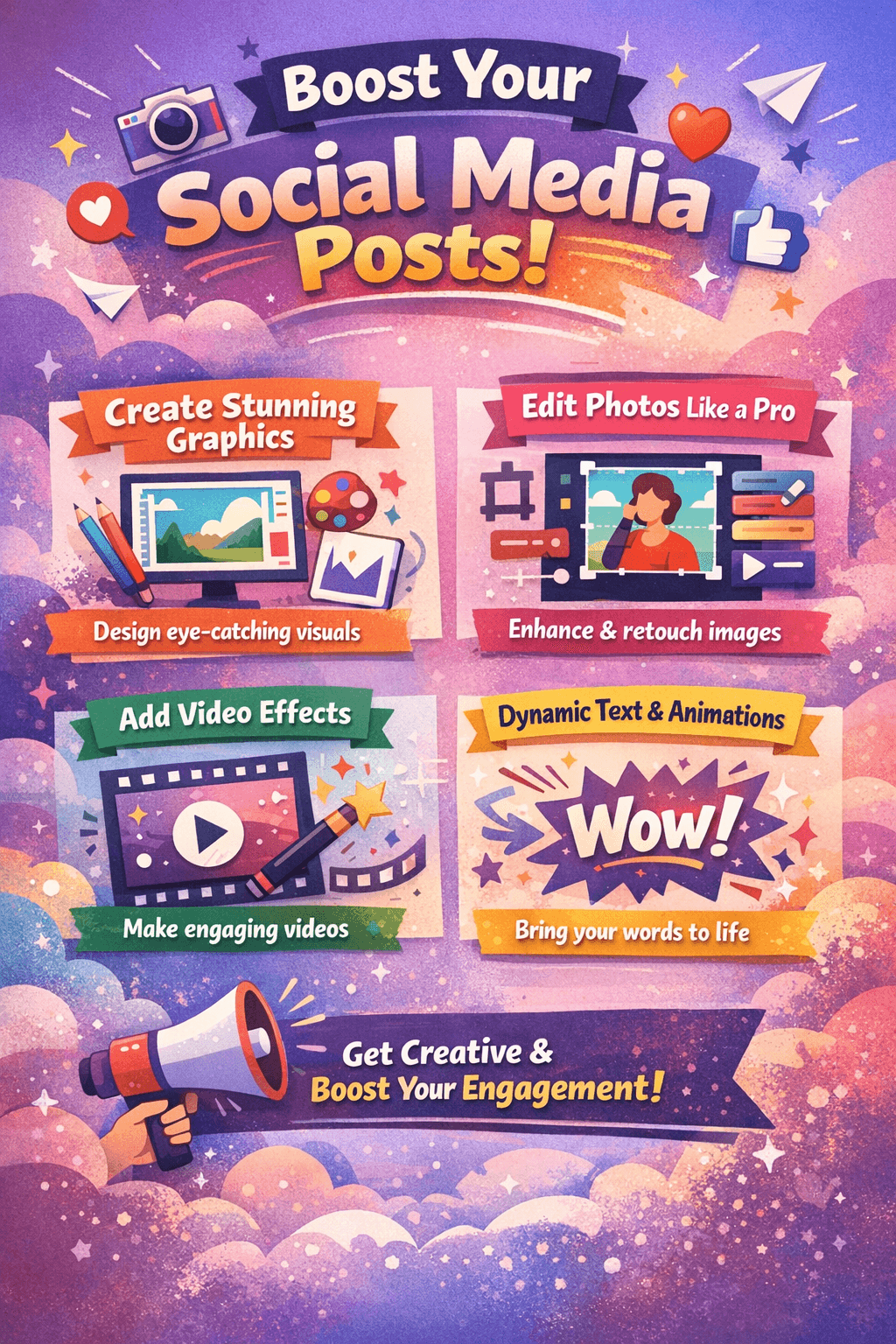
Photo and Design Tools
Design tools are crucial for social media these days, especially for business accounts and promotional content. You need to be able to use templates to create story posts, infographics, ads, and other types of content.
Online photo design tools like Adobe Express also offer other fun editing features. For example, you can do interesting edits to your photographs, such as adding a transparent background or adding a fun patterned background to your pictures. This makes a tool like this useful for personal and professional use – there’s something for everyone.
You can also use a tool like WoopSocial to automatically create images for your social media channels
In-Depth Editors
You also need to develop some serious photography and videography editing skills to make it big on platforms like Instagram, TikTok, and YouTube.
For photos, you need to be able to shift the delicate balance, highlights, exposure, and other elements to create the perfect tones. You also need to be able to retouch certain features and smooth away imperfections. For video editing, you can use new and unique editing platforms like Type Studio and FlexClip, or something more traditional like Final Cut Pro. This all depends on the types and styles of videos you’re creating.
Filter Apps
For the most part, filters are what make your photos and Instagram posts more interesting and pleasing to the eye. Of course, over-editing is a common issue, and sometimes, filters can make your pictures look cheap and amateurish.
However, when done right, filters play an important part in editing. There are many different filter apps to choose from, many of which are completely free or at least offer a few free options to choose from. It’s a good idea to pick a filter that fits your style and stick with it for a long while so that your social media feed looks coherent.
In-App Features
Finally, remember that third-party apps are great and very necessary, but don’t miss out on all the awesome in-app features on your favorite social media platforms.
For example, Instagram is always updating its features, and some of them can really add to your content. You can create reels and amazing stories with gorgeous in-app filters. TikTok is also best suited to those who create their content right there in the app itself, since their video-making tools make the process super easy and user-friendly – just about anybody can be a TikTok star and jump on whatever trend is blowing up right now.
Which Editing Tool Should You Choose?
| If You Are | Recommended Tool |
|---|
| Beginner | Canva |
| Short-form creator | CapCut |
| Professional editor | Adobe Premiere Pro |
| Mobile-first creator | InShot |
| Brand designer | Photoshop |
Let us know in the comments if you like the article.
Frequently Asked Questions
Q1: What is the best editing tool for beginners?
Canva is one of the most beginner-friendly editing tools with drag-and-drop features.
Q2: Which editing tool is best for Instagram reels?
CapCut and Adobe Premiere Pro are popular choices for editing short-form videos.
Q3: Are free editing tools good enough for social media?
Yes, many free tools provide powerful features suitable for creators and small businesses.