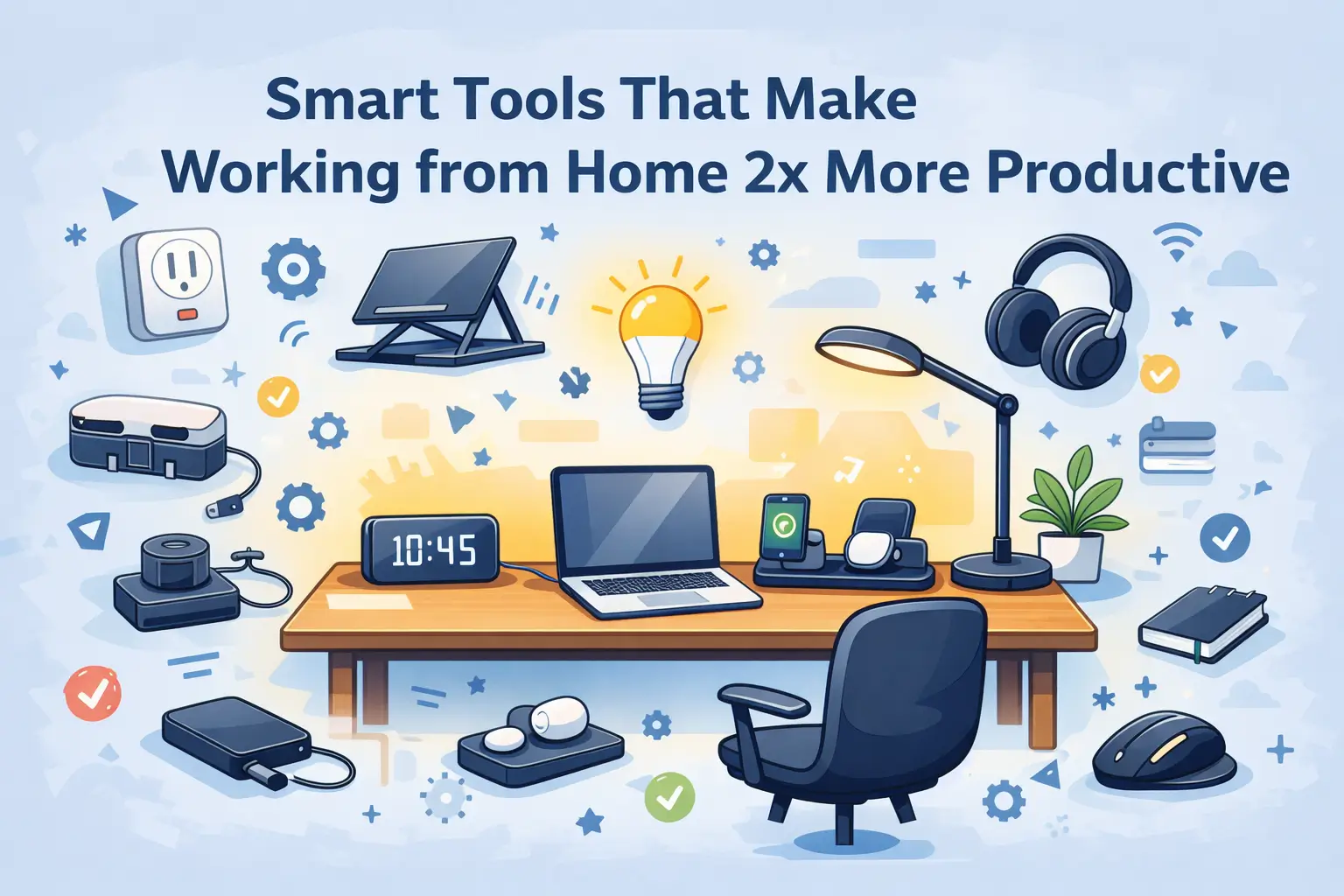

Remote work is really a dream for many, but when your desk turns into a cable jungle and you lose focus because of all that mess. The productivity is affected, as it’s not about working hard, it’s working smart and one needs to stay focused to do that smart work.
And if you have blocking frictions like dim light, a messy desk, a dead phone battery, tangled cables, a lamp, that you left turned on before going to bed, plus any other electronic components like your charging points. Everything creates a distraction and you lose time and motivation to ficus on productive work over non productive work.
So, here Smart tools come to rescue and can make your life a breeze by adding discipline, simply removing those frictions. They also make your life easier and managing things better.
In this guide, we focus on practical and affordable smart productivity tools that reduce distractions, improve comfort, save time, and help you build a minimal desk setup that actually improves output.
Also Read – Best way to Transfer Data from iPhone
Why Smart Tools Improve Productivity at Home
When you work from home, your environment directly impacts your mental performance. Small interruptions accumulate and reduce deep work capacity.
1. Automation Reduces Mental Load
Every time you manually switch something on or off, adjust lighting, or manage cables, you use mental energy. Smart automation reduces decision fatigue and preserves focus at work.
2. Visual Clarity Improves Focus
A cluttered desk increases cognitive noise and feels messy. Clean cable management and organized tools create a workspace that supports deep concentration and stress free to avoid solving tangled cables.
3. Comfort Increases Output
Ergonomic tools reduce strain and fatigue, allowing longer and more productive work sessions.
4. Small Upgrades Compound Over Time
One smart upgrade may feel minor. Ten smart upgrades create a system. Productivity becomes a natural outcome of your setup.
Also Read – How to use Remote Desktop Windows 11
11 Smart Productivity Tools for Your Home Office
We have listed a few smart tools and devices that will help you focus more and optimize your home office desktop experience.
1. Smart Plug – Automate Your Desk Power
If you have ever left your desk lamp on overnight or had to bend under your desk to unplug devices, a smart plug solves that problem quietly.
A smart plug allows you to control power to connected devices using your smartphone. You can schedule your desk lamp to turn on automatically in the morning and switch off at night. Some models also support voice assistants.
Why It Improves Productivity
- Eliminates manual switching
- Automates daily routines
- Reduces energy waste
- Keeps your desk minimal and organized
Best For
Remote developers, bloggers, freelancers, and anyone working long hours from home.
What to Look For
- 10A or 16A rating for Indian power standards
- App-based control
- Overload protection
- Reliable WiFi connectivity
Example Product
TP-Link Tapo WiFi Smart Plug on Amazon (16A)
Wipro 10A Smart Plug on Amazon (10A)
2. WiFi Smart Bulb – Focus Lighting Control
Lighting in your room directly affects your concentration. Harsh white light strains your eyes, while warm light can make you sleepy. A WiFi smart bulb allows you to adjust brightness and color temperature depending on your work mode. Also allow to turn it off easily using smart devices like Alexa or smartphones.
Why It Improves Productivity
- Adjust brightness for coding, writing, or meetings
- Reduces eye strain
- Schedule automatic on/off timing
- Create focus lighting scenes
Best For
Writers, developers, content creators, and anyone working late evenings.
What to Look For
- LED energy efficiency
- App control
- Warm and cool light modes
- Compatibility with Indian sockets
Example Products
WIPRO 9W Smart WIFI with MUSIC Sync
Wipro Smart WIFI Led Batten 20W
Note: Smart Bulbs use some power for wifi, so if you use normally 9W bulb, then go for 12W. for small rooms 9W is enough.
3. Wireless Charging Station – Declutter Your Workspace
A messy desk creates mental friction. A wireless charging station removes multiple cables and keeps your phone, earbuds, and smartwatch powered in one clean spot.
Why It Improves Productivity
- Reduces cable clutter
- Keeps devices charged during work hours
- Saves time searching for chargers
- Creates a minimal desk look
Best For
Remote professionals managing multiple devices.
What to Look For
- Fast charging support
- Multi-device compatibility
- Overheat protection
- Compact design
Example Products
Zebronics MagBoost 3 in 1 Foldable
Also Read – Best Apps for Remote Workers
4. Cable Management Box – Visual Calm Equals Mental Calm
Visible cables increase visual noise. A cable management box hides extension boards and tangled wires, instantly making your workspace look cleaner.
Why It Improves Productivity
- Reduces desk clutter
- Improves safety
- Prevents accidental unplugging
- Creates distraction-free workspace
Best For
Anyone with multiple chargers, monitors, or desk accessories.
What to Look For
- Heat-resistant material
- Proper ventilation
- Enough internal space
- Durable build quality
Example Products
Amazon Basics Cable Management Box
GLUN Cable management Box with Stand
5. Adjustable Laptop Stand – Improve Posture and Focus
Looking down at your laptop for hours strains your neck and shoulders. An adjustable laptop stand raises your screen to eye level and improves posture instantly.
Why It Improves Productivity
- Reduces neck and back strain
- Improves airflow and cooling
- Creates ergonomic working angle
- Encourages better posture habits
Best For
Developers, bloggers, and students working long hours.
What to Look For
- Aluminum or sturdy metal build
- Adjustable height levels
- Non-slip padding
- Foldable design
Example Products
Dyazo 6 Angles Aluminium Stand
6. Ergonomic Mouse – Reduce Wrist Fatigue
Traditional flat mice can strain your wrist during long work sessions. An ergonomic mouse supports a natural hand position and reduces fatigue.
Why It Improves Productivity
- Reduces wrist strain
- Improves cursor control
- Supports longer work sessions
- Prevents repetitive stress injuries
Best For
Designers, coders, editors, and spreadsheet-heavy users.
What to Look For
- Comfortable grip design
- Adjustable DPI settings
- Wireless connectivity
- Long battery life
Example Products
7. Budget Noise Cancelling Headphones – Control Your Sound Environment
Focus is fragile. Household sounds, traffic noise, and conversations can break deep work. Budget noise cancelling headphones help you create a personal focus zone.
Why It Improves Productivity
- Blocks background distractions
- Improves meeting clarity
- Enhances deep focus sessions
- Supports music-driven productivity
Best For
Remote workers in shared or noisy environments.
What to Look For
- Active noise cancellation
- Comfortable ear cushions
- Good battery life
- Clear microphone quality
Example products
Metaind Wired USB Calling Headphone
Noise Two Wireless On Ear Headphone
8. Dimmable LED Desk Lamp – Smart Brightness Control
Proper lighting prevents eye fatigue and improves concentration. A dimmable LED desk lamp lets you adjust brightness according to task intensity.
Why It Improves Productivity
- Reduces eye strain
- Improves reading clarity
- Supports late-night work
- Saves electricity
Best For
Readers, writers, programmers, and students.
What to Look For
- Multiple brightness levels
- Adjustable arm
- Touch controls
- Energy-efficient LED
Example Products
Fulminare Plastic LED Desk Lamp
9. Digital Minimal Desk Clock – Time Awareness Without Distraction
Checking your phone for time often leads to social media distraction. A minimal digital desk clock keeps you aware of time without pulling you into notifications.
Why It Improves Productivity
- Reduces phone dependency
- Improves time awareness
- Supports time blocking techniques
- Keeps focus uninterrupted
Best For
Deep work sessions and structured schedules.
What to Look For
- Clear LED display
- Adjustable brightness
- Compact size
- Backup battery support
Example products
Kadio Digital Bedside Alarm Clock
MultiColor Digital LED Alarm Clock
Digital Alarm Clock with Speaker
10. External Hard Drive – Backup Discipline
Data loss kills productivity. An external hard drive ensures your projects, content, and important files are safely backed up.
Why It Improves Productivity
- Prevents data loss stress
- Supports file organization
- Enables secure backups
- Improves long-term workflow stability
Best For
Content creators, developers, video editors, and freelancers.
What to Look For
- Minimum 1TB storage
- USB 3.0 or higher speed
- Compact and durable design
- Brand reliability
Example products
11. Voice Assistant Hub – Control Your Entire Workspace Hands-Free
If you are already using smart plugs or smart bulbs, a voice assistant like Amazon Alexa or Google Home can act as a central control hub for your workspace.
Instead of opening apps, you can simply say “Turn on desk light” or “Switch off workspace” and automate your environment instantly.
Why It Improves Productivity
- Hands-free control during deep work
- Faster automation for lighting and power
- Reduces phone dependency
- Creates a seamless smart workspace experience
Best For
Remote workers using multiple smart devices like bulbs, plugs, and smart switches.
What to Consider
- Device compatibility with your existing smart tools
- WiFi stability
- Privacy preferences
- Room placement for accurate voice detection
Popular Options
- Amazon Echo (Alexa-enabled)
- Google Nest Mini (Google Assistant)
Links to Products
Amazon Echo Pop (Small Speaker)
Amazon Echo Dot 5th Gen Speaker
Amazon Echo Show 5 (With Display/Camera)
Note: A voice assistant is optional. Your smart tools will still work through their mobile apps without one. This upgrade simply adds convenience.
Minimal Smart Home Office Setup Under ₹10,000
If you do not want to upgrade everything at once, here is a practical and affordable smart desk setup that delivers maximum impact without crossing ₹10,000.
This combination focuses on lighting, posture, decluttering, and automation — the four pillars of productivity.
Recommended Budget Combination
- WiFi Smart Bulb – Adjust lighting for focus and reduce eye strain
- Adjustable Laptop Stand – Improve posture instantly
- Ergonomic Mouse – Reduce wrist fatigue
- Cable Management Box – Clean up desk clutter
- Digital Minimal Desk Clock – Avoid phone distractions
Why This Setup Works
- Improves lighting control
- Supports ergonomic posture
- Reduces visual clutter
- Eliminates small daily distractions
- Requires minimal maintenance
This setup is ideal for students, bloggers, developers, and freelancers building their first productive home office.
Total Estimated Budget: ₹6,000 – ₹10,000 depending on brand selection.
Upgrade Path (Optional)
Once your workflow stabilizes, consider adding:
- Wireless Charging Station
- Noise Cancelling Headphones
- External Hard Drive for backup
Start small. Improve gradually. Productivity compounds.
Ready to build your smart desk?
Explore the individual tools above and choose what fits your workflow and budget.
Smart Productivity Tools Comparison Table
| Tool | Main Benefit | Best For | Estimated Budget(INR) | Priority Level |
|---|---|---|---|---|
| WiFi Smart Bulb | Adjustable focus lighting | Writers, developers | ₹500 – ₹1,200 | High |
| Adjustable Laptop Stand | Improves posture | Long-hour workers | ₹800 – ₹2,000 | High |
| Ergonomic Mouse | Reduces wrist strain | Designers, coders | ₹700 – ₹2,500 | Medium |
| Cable Management Box | Declutters workspace | Multi-device users | ₹400 – ₹1,200 | Medium |
| Wireless Charging Station | Reduces cable clutter | Device-heavy setups | ₹1,500 – ₹3,000 | Medium |
| Noise Cancelling Headphones | Blocks distractions | Noisy environments | ₹2,000 – ₹5,000 | High (If needed) |
| External Hard Drive | Data protection | Creators, developers | ₹3,000 – ₹6,000 | Essential (Long term) |
Note: Pricing varies depending on brand and offers available at the time of purchase.
Frequently Asked Questions
Are smart productivity tools expensive?
Not necessarily. Many useful tools like cable management boxes, laptop stands, and LED desk lamps are available at affordable prices. You do not need premium devices to improve your workspace.
Which smart tool should I buy first for maximum impact?
If your desk feels cluttered, start with cable management solutions. If you experience eye strain, invest in lighting. If posture is an issue, prioritize a laptop stand or ergonomic mouse.
Do smart bulbs and plugs require constant internet connection?
Most WiFi-enabled devices require internet for remote access and app control. However, some basic functions may still work through manual switches.
Can these tools increase electricity bills?
Most smart productivity gadgets use minimal power. In fact, automation tools like smart plugs can help reduce electricity waste by scheduling devices to turn off automatically.
Are budget noise cancelling headphones effective?
Budget models may not block all external noise, but they significantly reduce background distractions and improve focus during work sessions and meetings.
How often should I upgrade my home office tools?
Most productivity tools last several years. Upgrade only when functionality declines or when your work requirements change significantly.
Are smart gadgets safe to use with Indian power standards?
Yes, as long as you purchase devices rated for Indian voltage (220-240V) and certified for safety. Always check product specifications before buying.
Can smart tools actually improve productivity?
Smart tools remove small inefficiencies and distractions. While they do not replace discipline, they create an environment that supports consistent and focused work.
Do I need a smart assistant like Alexa or Google Home?
Voice assistant integration is optional. Most smart tools work perfectly through their dedicated mobile apps without requiring additional devices.
What is the ideal budget for a smart home office setup?
You can build a practical and effective smart workspace within ₹5,000 to ₹15,000 depending on the tools you prioritize.
Build a Smarter Desk, not a Busier One
Productivity is rarely about working longer hours. It is about removing small inefficiencies that drain focus throughout the day.
A better lamp prevents eye strain. A laptop stand corrects posture. A smart plug removes unnecessary interruptions. Individually, these upgrades feel minor. Together, they create a workspace designed for consistency.
You do not need an expensive studio. You need a functional system.
Start with one upgrade. Fix the biggest friction in your current setup. Then build gradually.
Explore the tools above, choose what fits your workflow, and create a workspace that works for you.
Upgrade Your Home Office Today
As an Amazon Associate, we earn from qualifying purchases at no additional cost to you when you buy from our product links.