


Introduction
Conditional rendering in React This is how your application determines what to display and when. In real-life apps, your UI changes depending on the circumstances. For example, if your app is loading some data, then you need to show a loading spinner; if a user is not logged in, then you need to display a log-in button, etc.
Since React components are created with JavaScript by means of JSX, you can use all control structures available in JavaScript to change your UI accordingly. In this blog post, I will describe four ways of doing this in React that I find most common and useful, as well as some common mistakes you may want to avoid.
Also Read: understanding react component
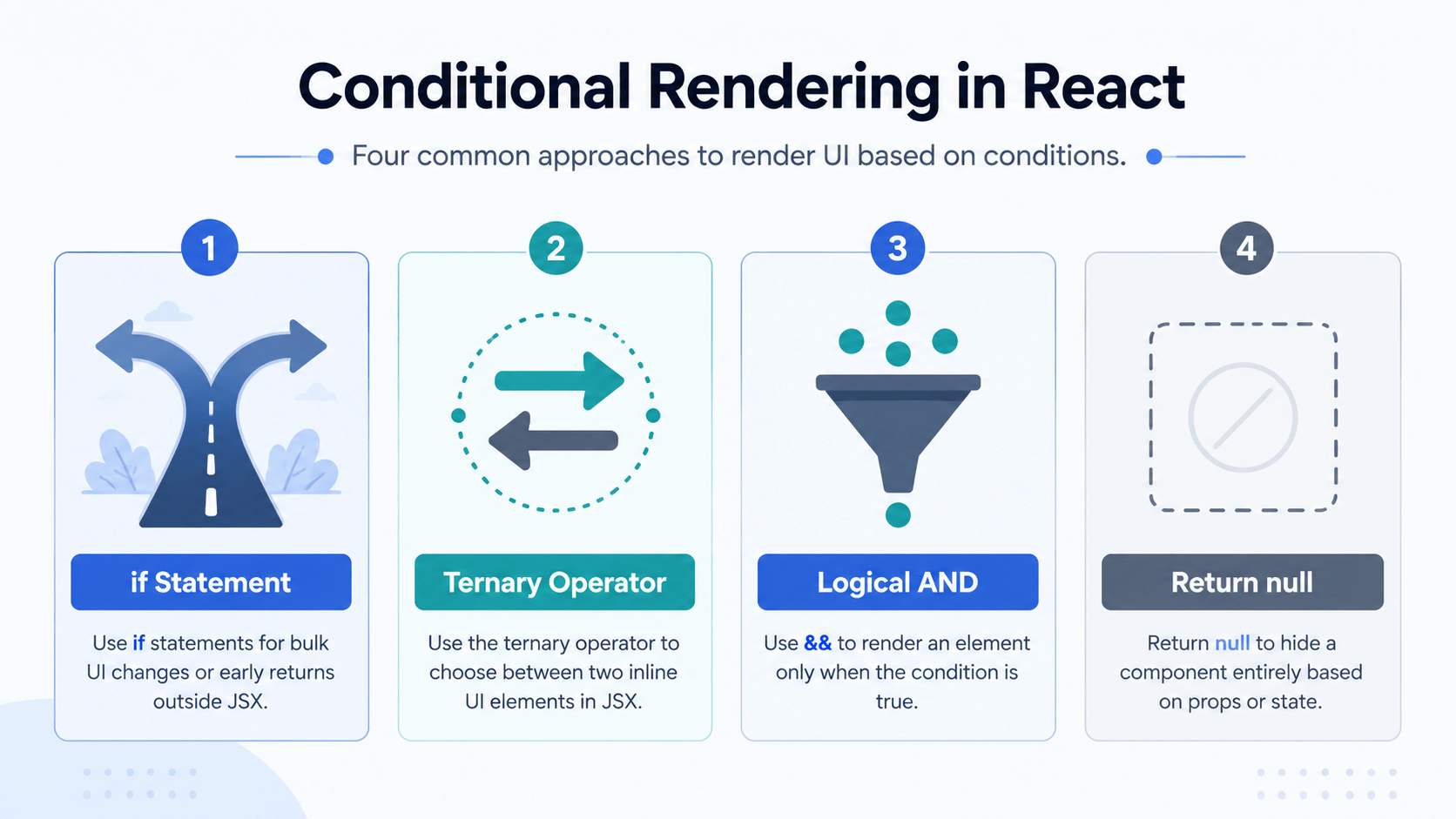
1. The Classic if Statement
The simplest way to conditionally display the component is to use an if statement in JavaScript. As if
Example: Authentication Status
jsx
import React from 'react';

function AuthParent({ isLoggedIn }) {
  // Use a standard if statement to return early
  if (isLoggedIn) {
    return <h1>Welcome back, User!</h1>;
  }

  return <h1>Please sign in to continue.</h1>;
}

export default AuthParent;
When to use: Great for large chunks of UI or when a component needs to return entirely different layouts based on a major state change, like an error screen or a loading screen.
2. The Ternary Operator (condition ? true : false)
When you want to conditionally render a small piece of UI inside your main JSX block, the ternary operator is the perfect tool. It acts as an inline if-else statement, and it’s one of the most common patterns you’ll see in production React code.
Example: A Login/Logout Button
jsx
import React, { useState } from 'react';

function Navbar() {
  const [isLoggedIn, setIsLoggedIn] = useState(false);

  return (
    <nav style={{ padding: '10px', background: '#eee' }}>
      <h2>My App</h2>
      {/* Inline Ternary Operator */}
      {isLoggedIn ? (
        <button onClick={() => setIsLoggedIn(false)}>Log Out</button>
      ) : (
        <button onClick={() => setIsLoggedIn(true)}>Log In</button>
      )}
    </nav>
  );
}

export default Navbar;
When to use: Perfect for toggling between two specific elements inline, such as switching button labels, active CSS classes, or text elements.
3. Conditional Rendering in React with the Logical AND Operator (&&)
Sometimes, you want to render an element only if a condition is true, and nothing at all if it’s false. While you could use a ternary and return null for the false condition, the logical && operator offers a cleaner shortcut for this specific pattern.
In JavaScript, if the first expression is true, the && operator evaluates and returns the second expression. If it’s false, JavaScript stops evaluating immediately.
Example: Showing Notification Badges
jsx
import React from 'react';

function Mailbox({ unreadMessages }) {
  return (
    <div>
      <h1>Dashboard</h1>
      {/* Only renders the paragraph if unreadMessages is greater than 0 */}
      {unreadMessages > 0 && (
        <p className="badge">
          You have {unreadMessages} unread messages.
        </p>
      )}
    </div>
  );
}

export default Mailbox;
Gotcha Warning: Be careful with numbers. If your condition evaluates to the number 0, React will actually print 0 to the screen instead of rendering nothing. To prevent this, make sure your condition evaluates strictly to a boolean, like unreadMessages.length > 0 && ....
4. Preventing Rendering by Returning null
If you want a component to completely hide itself under certain conditions, you can have its render function return null. Returning null doesn’t affect the firing of the component’s lifecycle hooks; it simply tells React to render an empty placeholder instead of visible DOM elements.
Example: A Toggleable Warning Banner
jsx
import React from 'react';

function WarningBanner({ hasWarning }) {
  // If there's no warning, return null to render nothing
  if (!hasWarning) {
    return null;
  }

  return (
    <div style={{ backgroundColor: 'red', color: 'white', padding: '10px' }}>
      <strong>Warning:</strong> An unexpected error occurred!
    </div>
  );
}

export default WarningBanner;
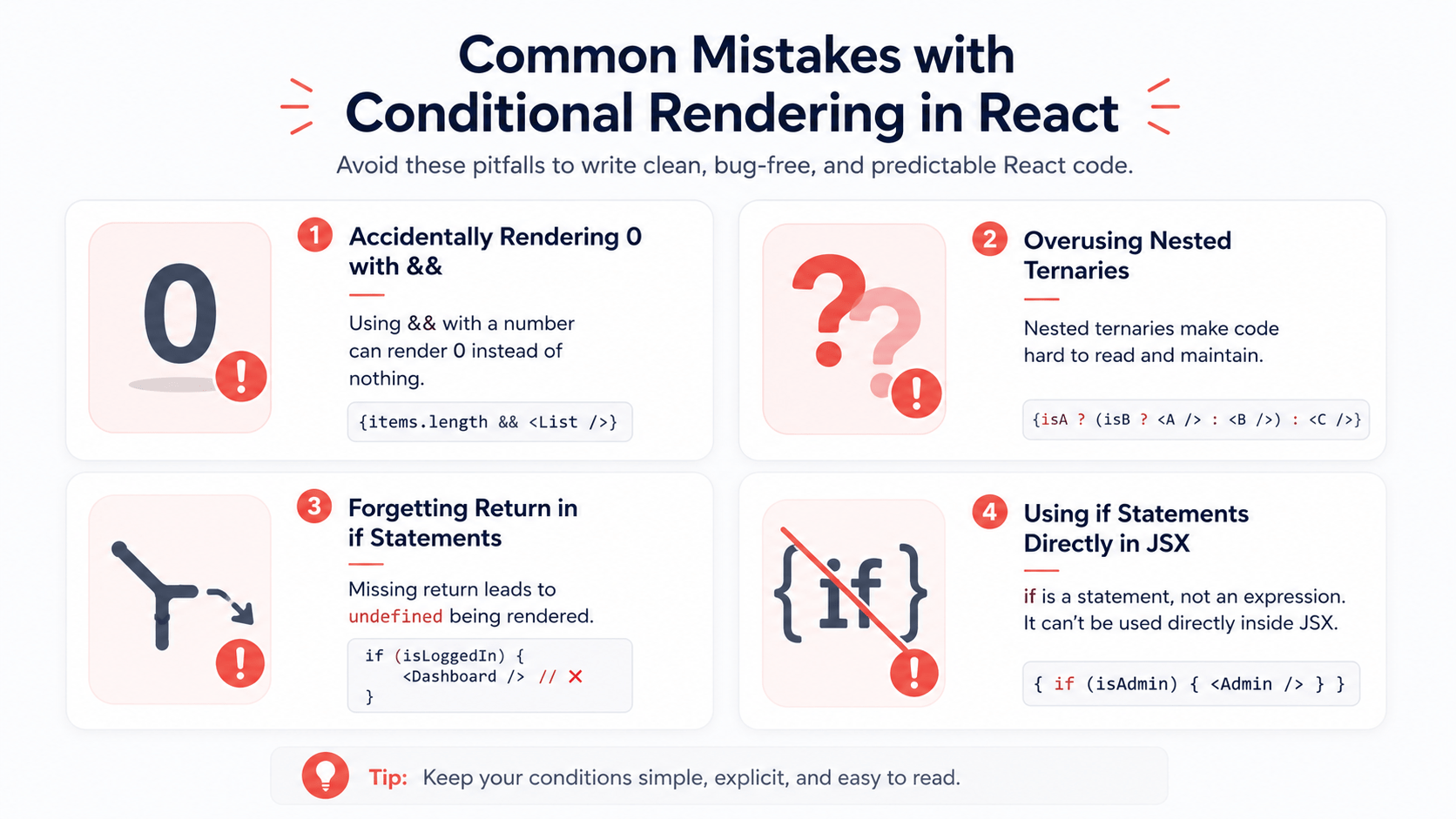
Common Mistakes with Conditional Rendering in React
A few patterns trip up developers even after they’ve learned the basics:
- Forgetting the boolean coercion issue with
&&. As covered above, a falsy number like0will render literally instead of disappearing. Always coerce to a true boolean. - Nesting too many ternaries inline. One ternary inside JSX is readable. Two or three nested together becomes a debugging headache. If your logic needs more than one branch, pull it into a variable or a separate function above the return statement.
- Returning
undefinedinstead ofnull. Forgetting a return path entirely (rather than explicitly returningnull) can cause React to throw a warning. Always give every code path an explicit return value. - Overusing the
ifstatement inside JSX. Remember,ifstatements can’t live inside your JSX markup directly. Keep them above the return statement, or extract the logic into a helper function.
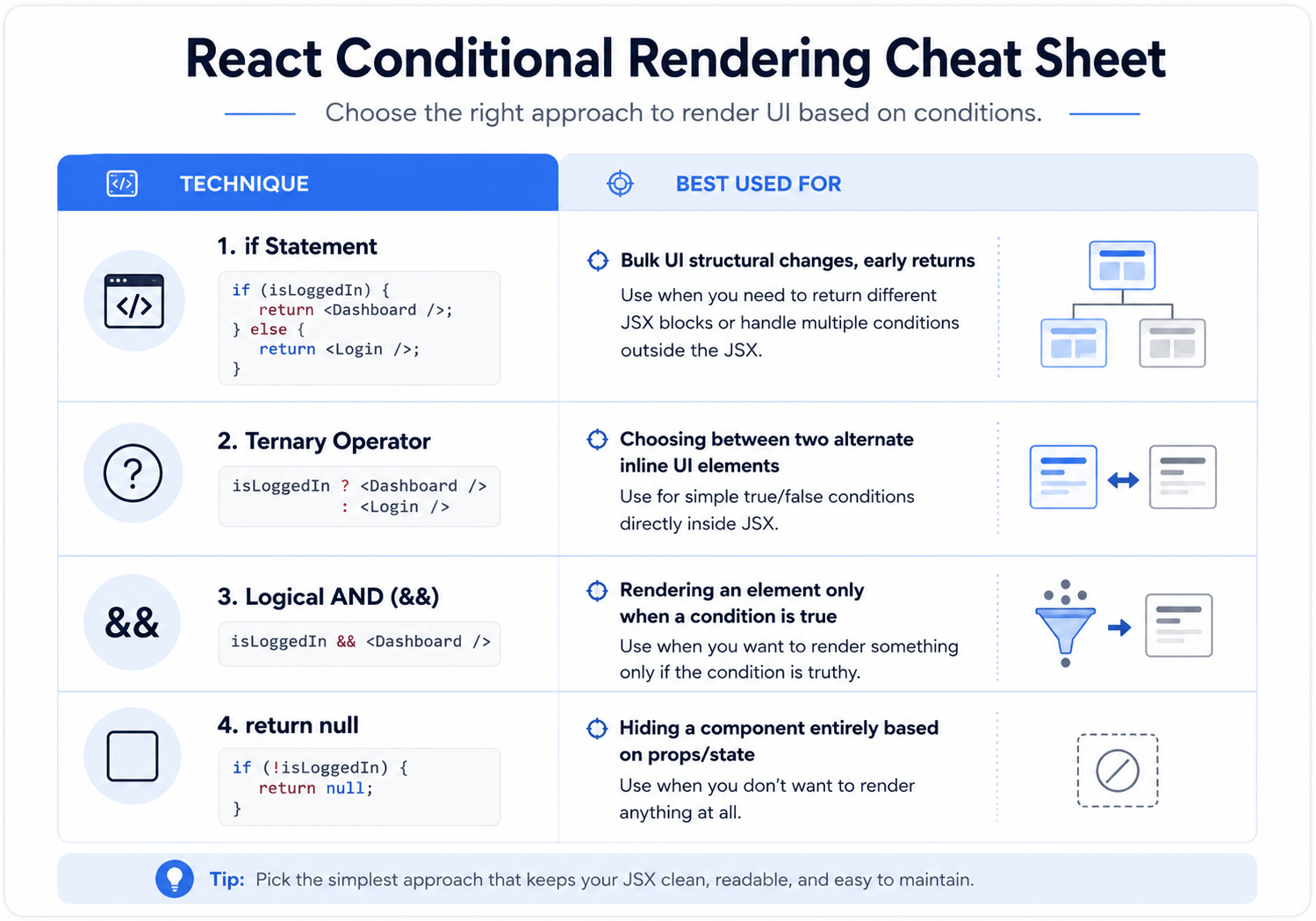
Summary Cheat Sheet
React Conditional Rendering Approaches
| Approach | Best Used For | Works Inside JSX? |
|---|---|---|
if statement |
Bulk UI structural changes, early returns | No |
Ternary (? :) |
Choosing between two alternate inline UI elements | Yes |
Logical AND (&&) |
Rendering an element only when a condition is true | Yes |
return null |
Hiding a component entirely based on props/state | No (used as a return value) |
Frequently Asked Questions
What is conditional rendering in React?
Conditional rendering in React is the practice of showing different UI elements based on the current state or props of a component, using standard JavaScript logic like if statements, ternaries, or the && operator.
Which method should I use for conditional rendering in React?
Use an if statement for large structural changes, a ternary for inline either/or choices, && for show-or-hide-nothing scenarios, and return null when a component should render nothing at all.
Why does my component render a stray 0 on the screen?
This happens when you use && with a falsy number like 0 as the condition. React renders 0 as text instead of treating it as false. Convert the condition to a strict boolean to avoid this.
Conclusion: Mastering Conditional Rendering in React
Using conditional rendering in React provides your app with the capability to react smoothly to any user actions, server changes, or application state changes. Picking the perfect tool for your need in terms of early if return, flexible ternary operator, or simple short circuit && operator ensures that your component remains clean and predictable.
In our next blog post, we will be covering the topic of Lists & Keys.



