

Image Credit: Unsplash
A smartphone can now handle many tasks once reserved for a countertop payment terminal. Modern devices combine contactless communication, secure hardware, and payment software in a pocket-sized format, giving businesses more flexibility at service counters, events, and customer locations.
This shift doesn’t turn every phone into a commercial register automatically. The device, operating system, and payment provider must work together to isolate sensitive data and meet payment security requirements. Understanding those layers helps business owners evaluate mobile payment options without getting lost in technical language.
Software Isolation on Consumer Hardware
Consumer smartphones run messaging, social media, and dozens of other apps, so payment software needs clear boundaries. Mobile operating systems use sandboxing to keep each app's files and processes separate. Payment applications can also apply encryption, access controls, and device integrity checks before processing a transaction.
Choose software that supports automatic updates and clearly identifies compatible operating system versions. Staff should use individual accounts, enable screen locks, and avoid installing payment apps from unofficial stores. Connect transaction records with bookkeeping tools where possible. A practical guide to online invoice software can help businesses build a more organized process for billing and recordkeeping alongside mobile sales.
Near Field Communication Without Extra Dongles
Near field communication, commonly called NFC, allows compatible devices to exchange small amounts of data across a distance of a few centimeters. This is the technology behind many contactless card and mobile wallet transactions. A useful NFC technology overview explains its wider use in payments, access systems, and information sharing.
Built-in NFC means an eligible smartphone may receive contactless payments without a separate card-reading attachment. Before adopting it, confirm that your phone model, operating system, and payment application support this function. Businesses planning mobile checkout should also compare transaction pricing, settlement schedules, and support options when selecting a service to accept payments in person, online, or on the go.
Transforming Handheld Devices to Accept Payments
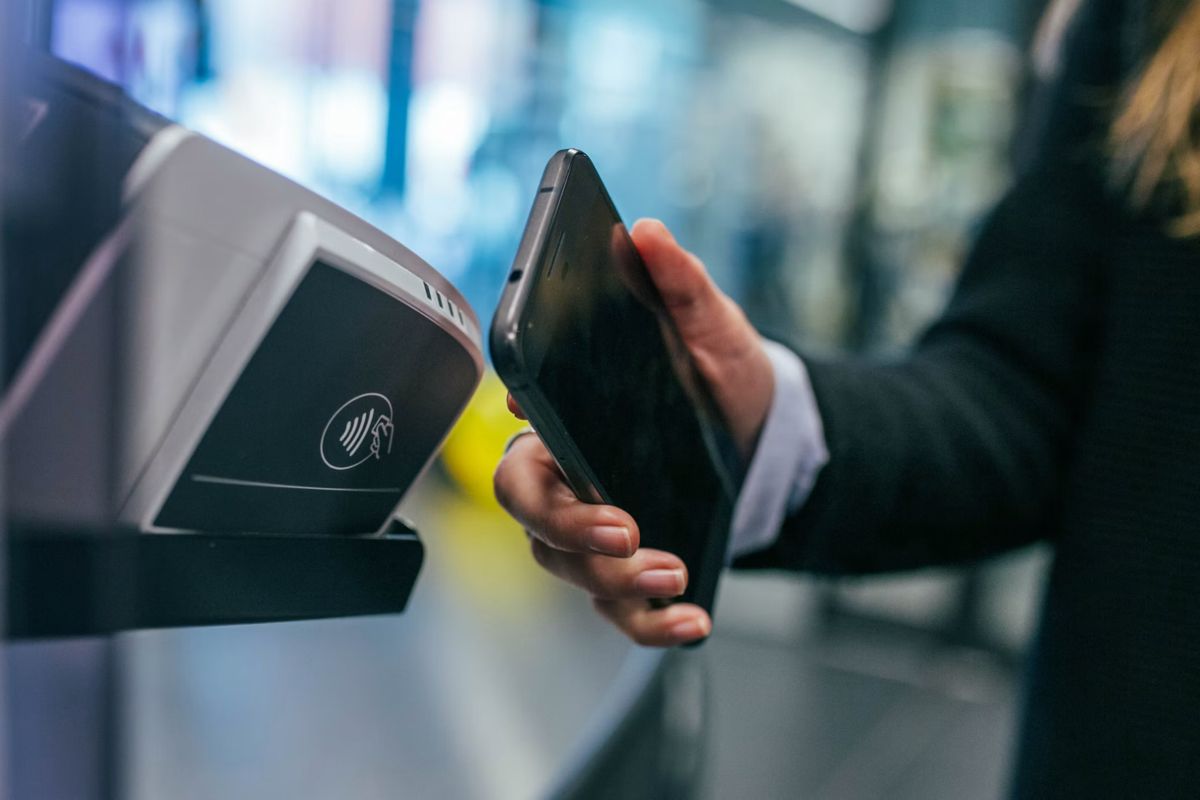
A compatible phone becomes a payment endpoint through an approved application and processor connection. The customer taps an eligible contactless card or digital wallet against the phone, checks the amount, and follows any verification prompt. The encrypted transaction request then travels to the payment network for authorization.
This setup suits service technicians, market vendors, and restaurant staff who need to complete sales away from a fixed counter. It can also shorten lines by letting employees take payments elsewhere in a store. Start with a small trial involving two or three devices. Test refunds, receipts, weak connectivity, and end-of-day reconciliation before giving the system to a larger team. Current NFC market trends also point to continued adoption across consumer and industrial applications.
Protecting Cryptographic Keys in Secure Enclaves
Payment security depends on protecting the cryptographic keys used to authenticate devices and safeguard transaction data. Many smartphones include a secure enclave or a similar hardware-backed area that operates separately from the main processor. Sensitive keys can remain inside this protected environment instead of appearing in ordinary application storage.
Hardware protection still requires sound operating practices. Keep every payment phone updated, disable access as soon as an employee leaves, and use remote device management when several phones are involved. Avoid shared login credentials and review transaction permissions by role. If a device goes missing, staff should know whom to contact and how to suspend its payment access immediately. That response plan should be written and tested before mobile checkout goes live.
Smartphone-based checkout works best when convenience is supported by disciplined device management. Before deployment, run a real transaction from tap through settlement, then repeat the test for a refund and a lost connection. Those three checks reveal far more than a successful app installation and show whether the setup is ready for daily business.



.png "How to increase social media followers fast 8")