
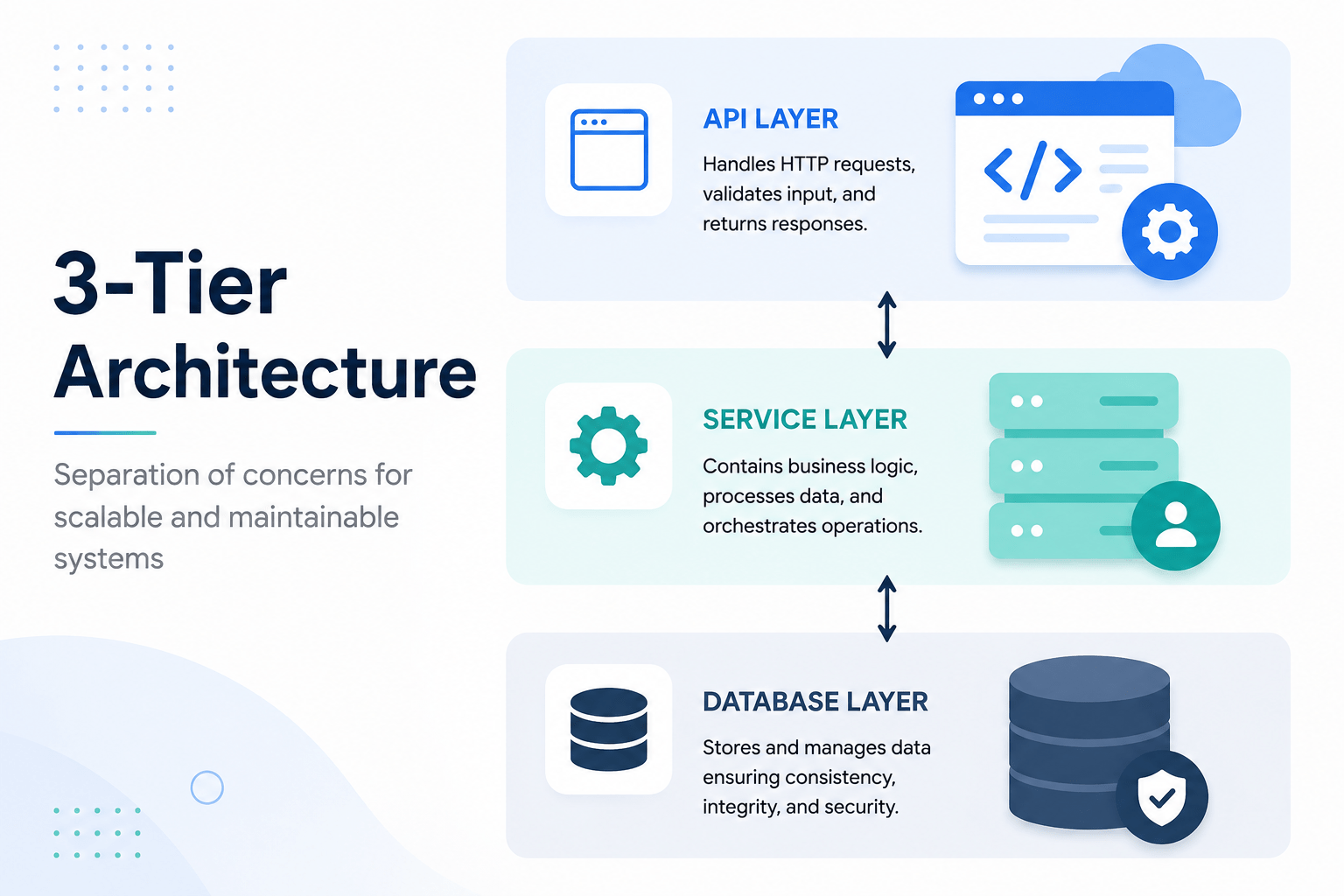

NestJS Prisma integration is the fastest way to get a type-safe, production-grade database layer running on top of PostgreSQL, and it’s exactly what we’re building in this post. In Blog Post 29, we explored the core architectural building blocks of NestJS: Controllers, Providers, and Modules, using in-memory arrays to demonstrate data operations.
Also Read: The Frontend Ecosystem Libraries vs. Frameworks (React, Vue, Svelte, Angular, Next.js, Nuxt & Astro)
Real-world production backends need persistent, relational, scalable storage, not in-memory arrays. In the Node.js and TypeScript backend ecosystem, combining PostgreSQL with Prisma ORM has become the industry standard for type-safe database interactions.
In this post, we’ll build a production-grade database layer using NestJS Prisma integration end to end. We’ll set up PostgreSQL with Prisma ORM, model dynamic entity relationships in schema.prisma, run database migrations, build a reusable NestJS PrismaService, and refactor our domain logic to execute type-safe queries.
1. Why Use NestJS Prisma Instead of a Traditional ORM?
Traditionally, Node.js developers chose between raw SQL query builders (like Knex.js) or traditional Object-Relational Mappers (like TypeORM or Sequelize).
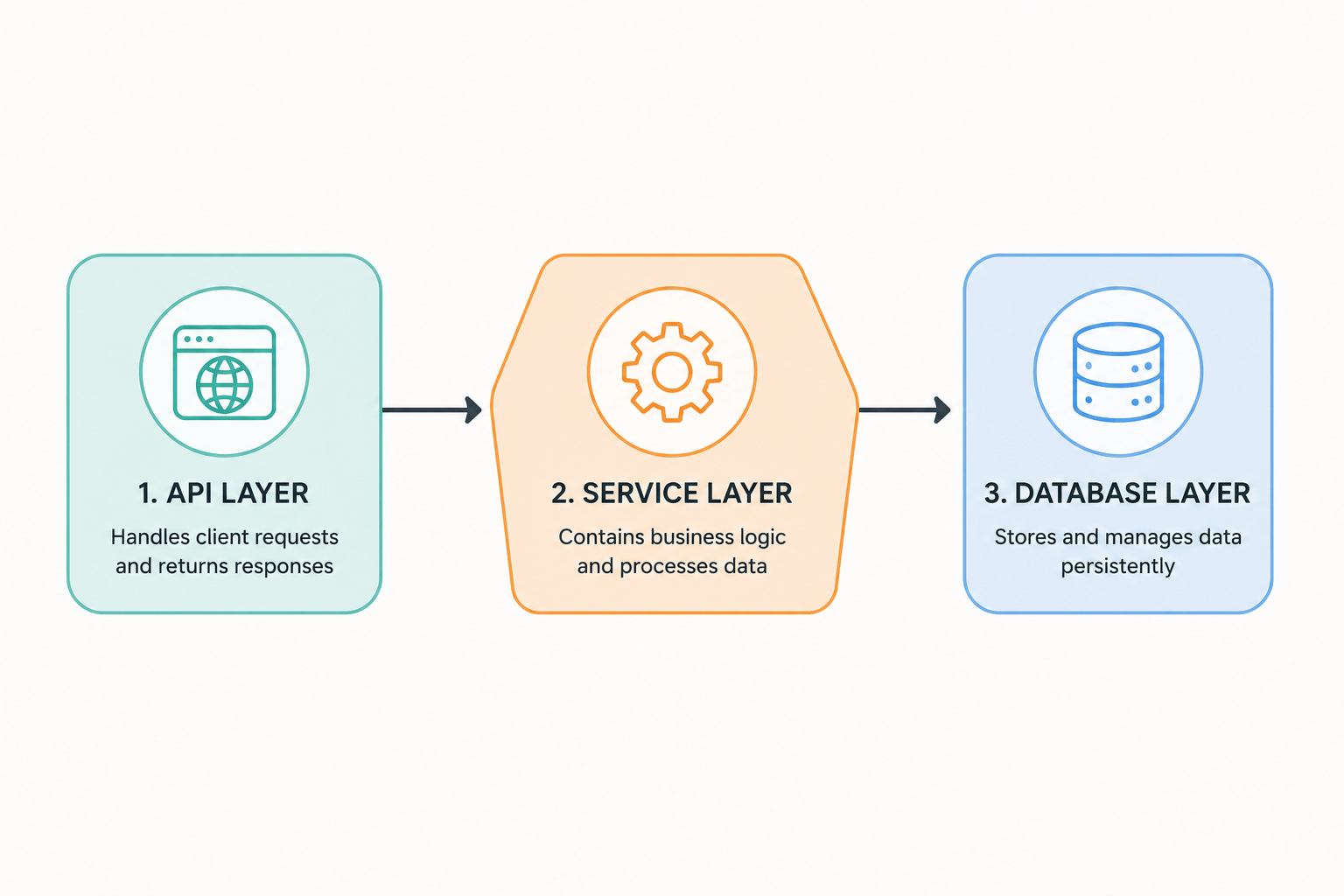
Traditional ORMs use class decorators on entity files. They often suffer from loose typing, complex repository abstractions, and runtime query surprises that only show up once you’re already in production.
┌────────────────────────────────────────────────────────────────────────┐
│                        THE PRISMA WORKFLOW                             │
├────────────────────────────────────────────────────────────────────────┤
│ 1. Define Schema  ──► 2. Run Migration  ──► 3. Auto-Generated Client    │
│    (schema.prisma)       (SQL Script)          (100% Type-Safe Types)  │
└────────────────────────────────────────────────────────────────────────┘
Key advantages of a NestJS Prisma stack:
- Declarative schema modeling: Define models, enums, indexes, and relations in a single, human-readable file (
schema.prisma). - Automated type generation: Every time your database schema changes, Prisma regenerates TypeScript types matching your exact schema structure.
- Predictable migrations:
prisma migrategenerates human-readable.sqlmigration files, making schema evolution version-controlled and predictable. - Lean query engine: Prisma executes queries through a high-performance Rust engine binary, minimizing Node.js event-loop overhead.
2. Setting Up Prisma in a NestJS Project
Let’s integrate Prisma into a NestJS project. Setting up NestJS Prisma from scratch only takes a few commands, so we’ll move through this part quickly. First, install the Prisma CLI as a dev dependency and the Prisma Client runtime package:
npm install @prisma/client
npm install prisma --save-dev
Next, initialize Prisma inside your NestJS repository:
npx prisma init
Once this finishes, your NestJS Prisma setup has the two files it needs to start modeling data. This command creates two critical files:
prisma/schema.prisma: the central configuration and schema definition file..env: the environment variables file containing your database connection string.
Configure your .env file with your PostgreSQL database URL:
# .env
DATABASE_URL="postgresql://postgres:postgrespassword@localhost:5432/nestjs_db?schema=public"
3. Modeling Entity Relationships in schema.prisma
Now let’s design a relational domain model with User, Profile (one-to-one), and Post (one-to-many) entities. This schema file is the single source of truth for every NestJS Prisma query you’ll write later in the service layer.
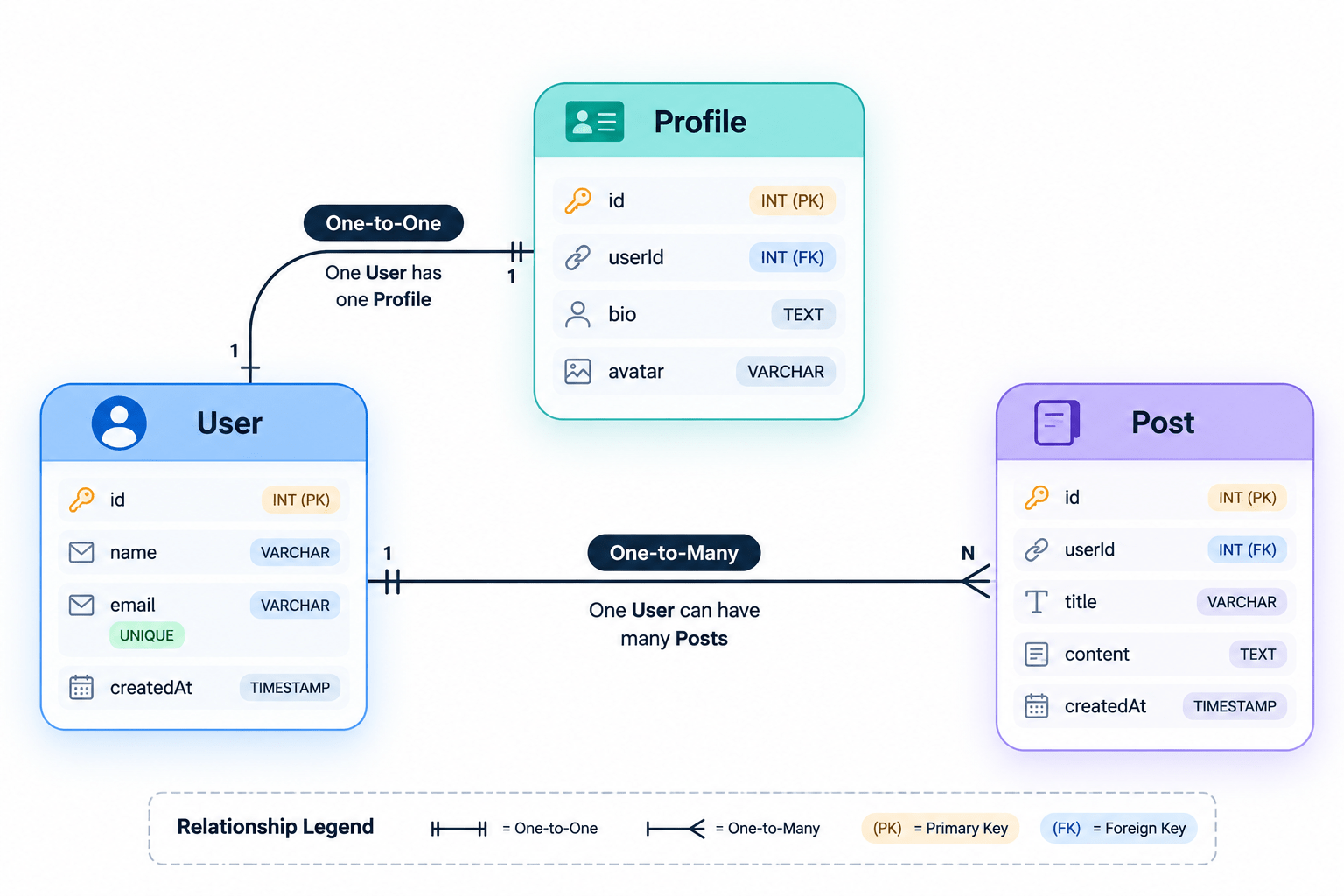
Open prisma/schema.prisma and define the models:
// prisma/schema.prisma

datasource db {
  provider = "postgresql"
  url      = env("DATABASE_URL")
}

generator client {
  provider = "prisma-client-js"
}

// User Entity
model User {
  id        Int      @id @default(autoincrement())
  email     String   @unique
  name      String?
  role      Role     @default(USER)
  createdAt DateTime @default(now())
  updatedAt DateTime @updatedAt

  // Relationships
  profile   Profile?
  posts     Post[]

  @@map("users") // Maps model to "users" database table
}

// Profile Entity (One-to-One with User)
model Profile {
  id     Int     @id @default(autoincrement())
  bio    String?
  avatar String?
  userId Int     @unique
  user   User    @relation(fields: [userId], references: [id], onDelete: Cascade)

  @@map("profiles")
}

// Post Entity (One-to-Many with User)
model Post {
  id        Int      @id @default(autoincrement())
  title     String
  content   String?
  published Boolean  @default(false)
  authorId  Int
  author    User     @relation(fields: [authorId], references: [id], onDelete: Cascade)
  createdAt DateTime @default(now())
  updatedAt DateTime @updatedAt

  @@map("posts")
}

// Role Enum
enum Role {
  USER
  ADMIN
}
4. Running Database Migrations
With the schema defined, run a migration to create the tables in PostgreSQL and generate the TypeScript client. This migration step is what turns your schema.prisma file into a real, queryable NestJS Prisma database:
npx prisma migrate dev --name init_users_profiles_posts
What happens behind the scenes:
- SQL generation: Prisma creates a new migration directory under
prisma/migrations/containing the generated raw SQL DDL script. - Database execution: Prisma runs the generated SQL script against your PostgreSQL instance.
- Type generation: Prisma triggers
prisma generate, updating@prisma/clientwith fresh TypeScript interfaces.
5. Creating a PrismaService and PrismaModule in NestJS
To manage database connections cleanly within the NestJS Inversion of Control (IoC) container, wrap PrismaClient inside a dedicated NestJS service. This is the core building block of any serious NestJS Prisma setup, and it’s the piece most tutorials gloss over before jumping straight to queries.
Generate a database module and service using the NestJS CLI:
nest g module prisma
nest g service prisma
Implement the NestJS Prisma Lifecycle Hooks
Use NestJS’s OnModuleInit hook to connect to PostgreSQL automatically when the application boots up:
// src/prisma/prisma.service.ts
import { Injectable, OnModuleInit, OnModuleDestroy } from '@nestjs/common';
import { PrismaClient } from '@prisma/client';

@Injectable()
export class PrismaService extends PrismaClient implements OnModuleInit, OnModuleDestroy {
  async onModuleInit() {
    // Establishes database connection pool on application startup
    await this.$connect();
  }

  async onModuleDestroy() {
    // Closes database connections gracefully when application shuts down
    await this.$disconnect();
  }
}
Export PrismaService from PrismaModule
Export PrismaService so other domain modules, like UsersModule or PostsModule, can inject it:
// src/prisma/prisma.module.ts
import { Global, Module } from '@nestjs/common';
import { PrismaService } from './prisma.service';

@Global() // Makes PrismaService available everywhere without re-importing PrismaModule
@Module({
  providers: [PrismaService],
  exports: [PrismaService],
})
export class PrismaModule {}
6. Injecting PrismaService into Domain Services
Now let’s update UsersService to run type-safe database queries against PostgreSQL through PrismaService. This is where the NestJS Prisma combination really pays off, since every query below is fully typed against your actual schema, and this pattern is one you’ll reuse across every NestJS Prisma service you write from here on.
// src/users/users.service.ts
import { Injectable, NotFoundException, ConflictException } from '@nestjs/common';
import { PrismaService } from '../prisma/prisma.service';
import { User, Prisma } from '@prisma/client';
import { CreateUserDto } from './dto/create-user.dto';

@Injectable()
export class UsersService {
  constructor(private readonly prisma: PrismaService) {}

  // 1. Fetch all users with optional relational profile data
  async findAll(): Promise<User[]> {
    return this.prisma.user.findMany({
      include: {
        profile: true,
        _count: {
          select: { posts: true },
        },
      },
    });
  }

  // 2. Fetch single user by ID with posts
  async findOne(id: number): Promise<User> {
    const user = await this.prisma.user.findUnique({
      where: { id },
      include: {
        profile: true,
        posts: true,
      },
    });

    if (!user) {
      throw new NotFoundException(`User with ID ${id} not found`);
    }

    return user;
  }

  // 3. Create user with nested profile creation & exception mapping
  async create(dto: CreateUserDto): Promise<User> {
    try {
      return await this.prisma.user.create({
        data: {
          email: dto.email,
          name: dto.name,
          profile: dto.bio ? { create: { bio: dto.bio } } : undefined,
        },
      });
    } catch (error) {
      // Catch Prisma duplicate unique key violation (P2002)
      if (error instanceof Prisma.PrismaClientKnownRequestError && error.code === 'P2002') {
        throw new ConflictException('A user with this email already exists');
      }
      throw error;
    }
  }

  // 4. Delete user by ID
  async remove(id: number): Promise<User> {
    await this.findOne(id); // Ensure user exists

    return this.prisma.user.delete({
      where: { id },
    });
  }
}
7. Exception Handling and Error Mapping
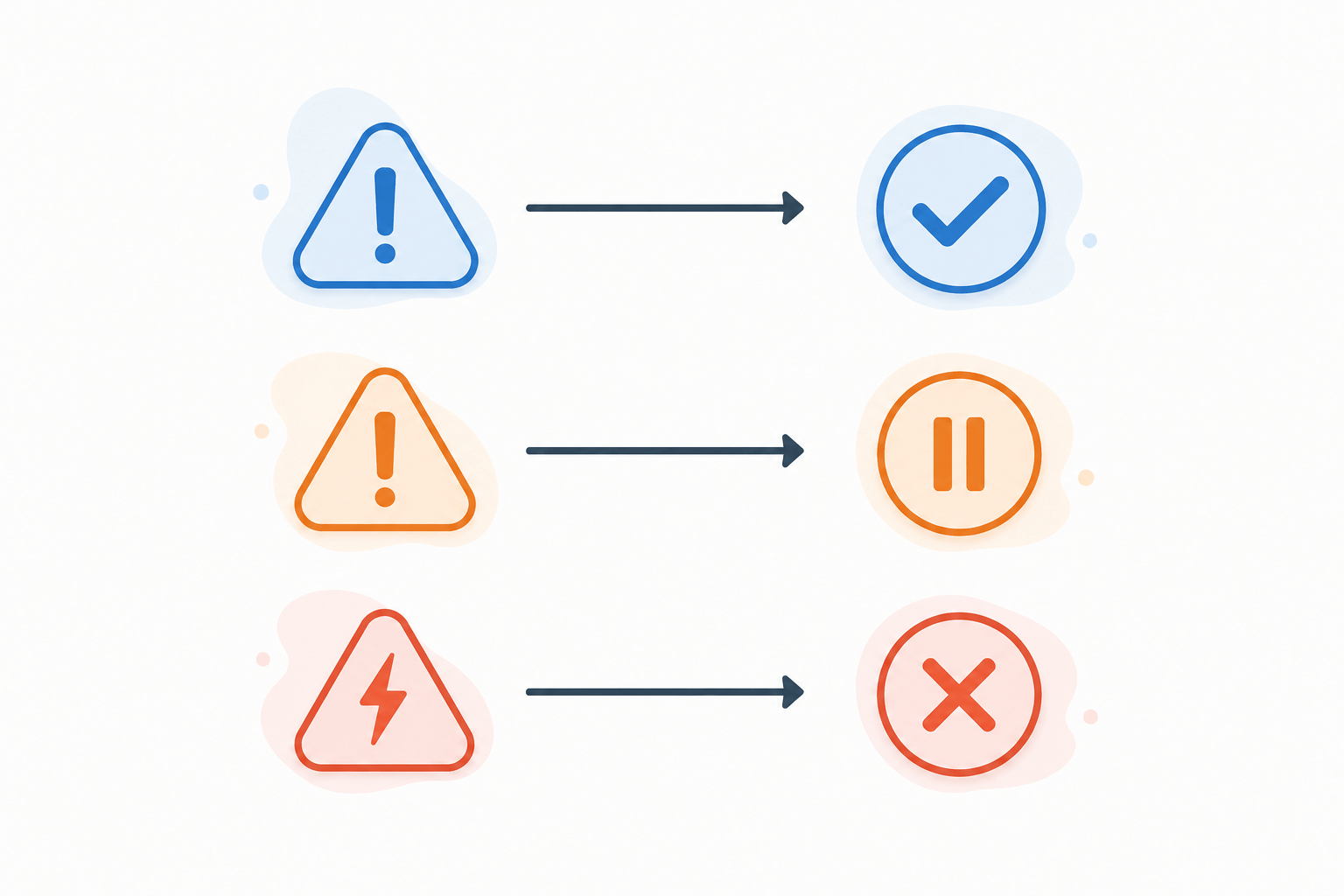
When database constraints fail, Prisma throws specific error codes through PrismaClientKnownRequestError. Mapping these to standard NestJS HTTP exceptions keeps your REST responses clean and predictable, and it’s a step most NestJS Prisma tutorials skip entirely.
| Prisma Error Code | Description | Target NestJS Exception |
|---|---|---|
P2002
|
Unique constraint failed (e.g., duplicate email) |
ConflictException (409)
|
P2025
|
Record to update/delete not found |
NotFoundException (404)
|
P2003
|
Foreign key constraint failed |
BadRequestException (400)
|
Conclusion
Integrating Prisma ORM and PostgreSQL into NestJS gives you a fully type-safe, maintainable database layer with clear lifecycle connection management and automated SQL migrations. A solid NestJS Prisma setup like this one is what makes every service you build on top of it easier to test, refactor, and scale, and it’s the foundation the rest of this series builds on going forward.
Also Read: Optimistic UI Updates and Infinite Scroll Pagination
Frequently Asked Questions About NestJS Prisma
Is Prisma better than TypeORM for NestJS? Prisma generally gives you stronger type safety and a simpler migration workflow than TypeORM, since its generated client is built directly from your schema instead of decorator metadata. TypeORM still has a larger plugin ecosystem for teams already deep in the Active Record pattern.
Do I need to write raw SQL when using a NestJS Prisma setup? No. Prisma’s query engine handles the SQL generation for you. You can still drop into raw SQL with $queryRaw for edge cases the query builder doesn’t cover.
How do I reset my Prisma database during development? Run npx prisma migrate reset. This drops the database, reapplies all migrations, and reruns any seed script you’ve configured.
Can PrismaService be used outside of NestJS’s dependency injection? It can, but you lose the automatic connection lifecycle management that OnModuleInit and OnModuleDestroy provide, so it’s not recommended in a NestJS project.
Does Prisma support databases other than PostgreSQL? Yes. Prisma also supports MySQL, SQLite, SQL Server, MongoDB, and CockroachDB, though this guide focuses on PostgreSQL since it’s the most common pairing with NestJS in production.



