
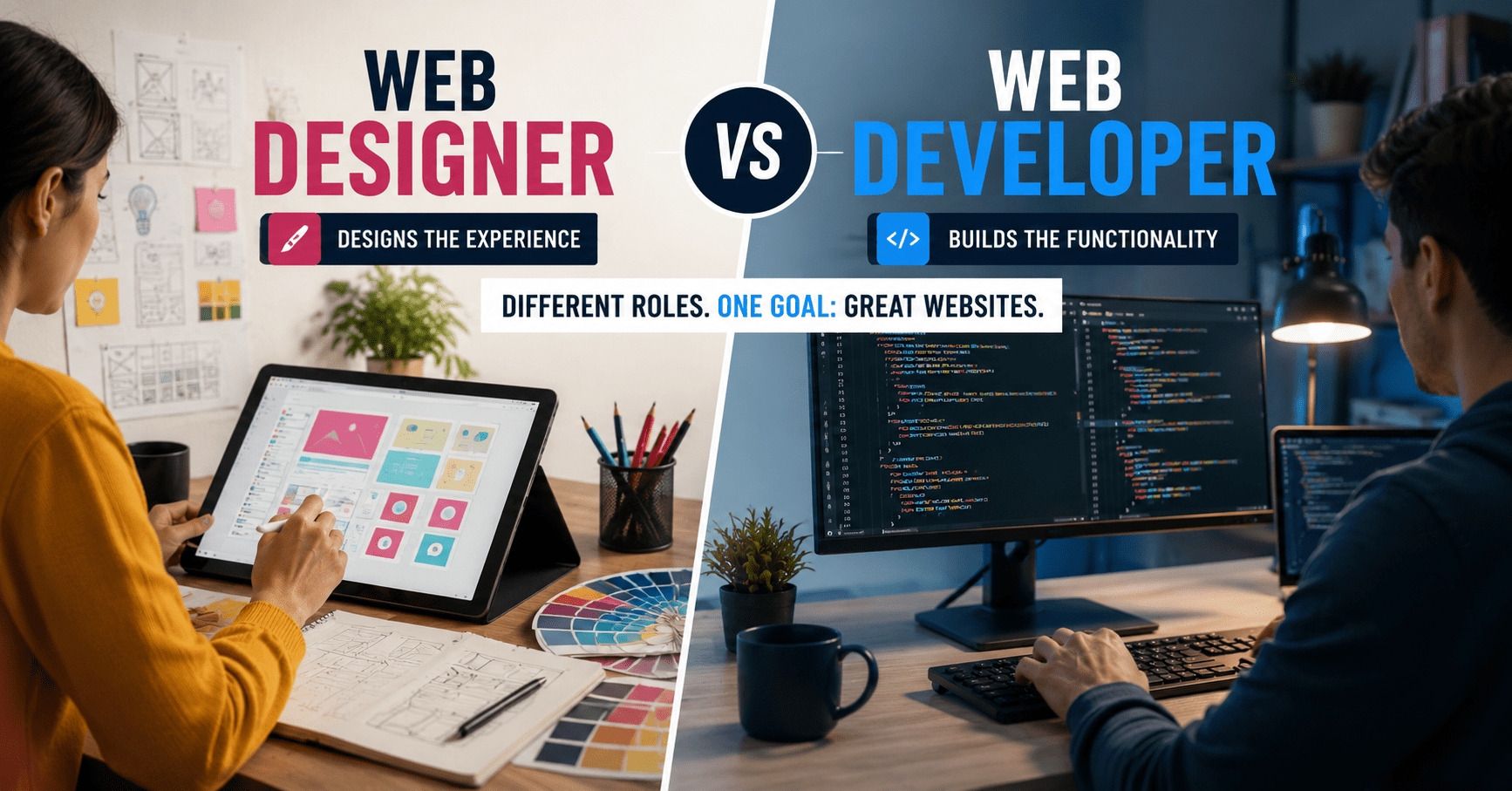

When knowing HTML, CSS, JavaScript, PHP, and a bit of Java used to be considered sufficient knowledge for a web developer, those times have long since gone by. When comparing a web developer vs web designer, the first thing to get straight is that these two are indeed very different professions that have nothing to do with each other and confusing them at the start will only waste your precious learning time.
It means that either you will learn Photoshop when you actually need JavaScript or vice versa. Now let us take a look at the difference between these two roles.
What Does a Web Designer Actually Do?
The web designer is responsible for the look of the product that involves icons, fonts, themes, color palette, and user interface design elements all of those things that a visitor would notice within the first three seconds after landing on a site.
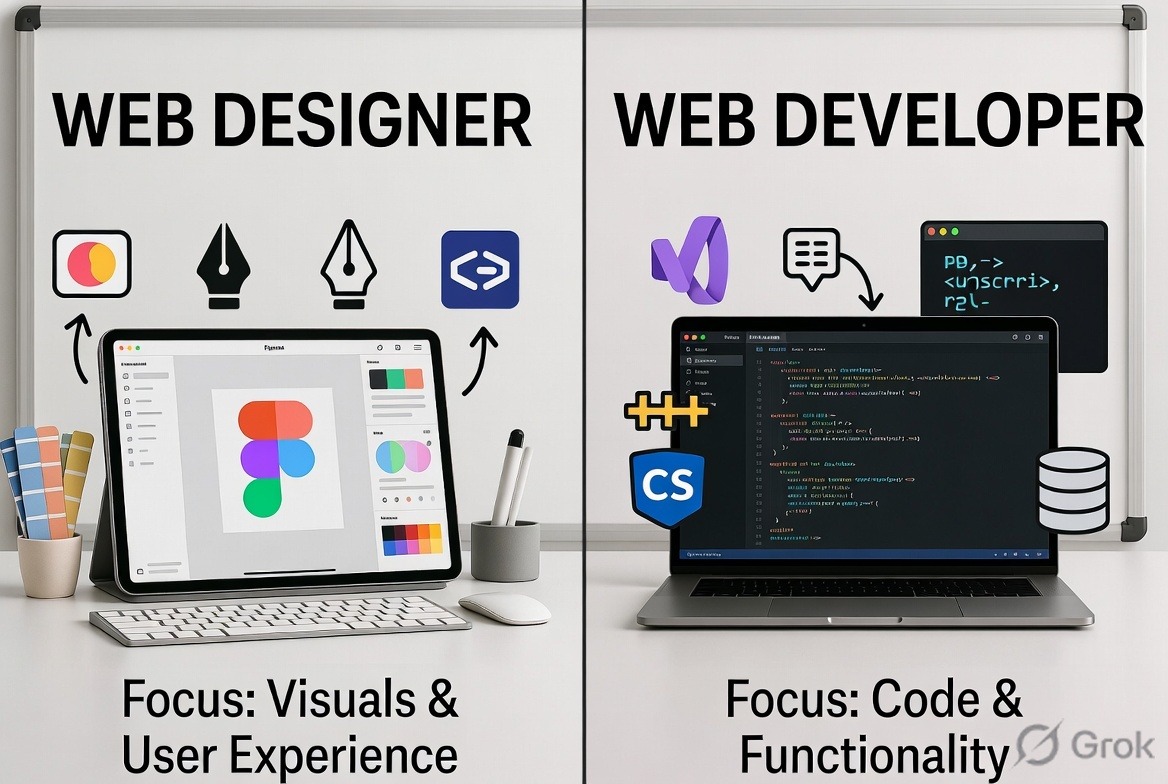
There are very few web designers who have any coding skills. They work in programs such as Adobe Photoshop, Figma, and even in wireframes applications where they create a front-end layout without writing a line of HTML code. When it comes to the back-end planning process, a designer can use mind mapping applications for this task.
Also read: Things You Need to Know to Be a Developer
What Does a Web Developer Actually Do?
The web developer codes the website. It implies that he/she will write HTML, CSS, and JavaScript as the basic technologies required for transforming a design file into an operational website.
Also read: Developer Terminology You Need to Know
Front-End vs Back-End: Where the Real Split Happens
Every website has two sides, and which one you gravitate toward usually decides whether you end up a designer or a developer.
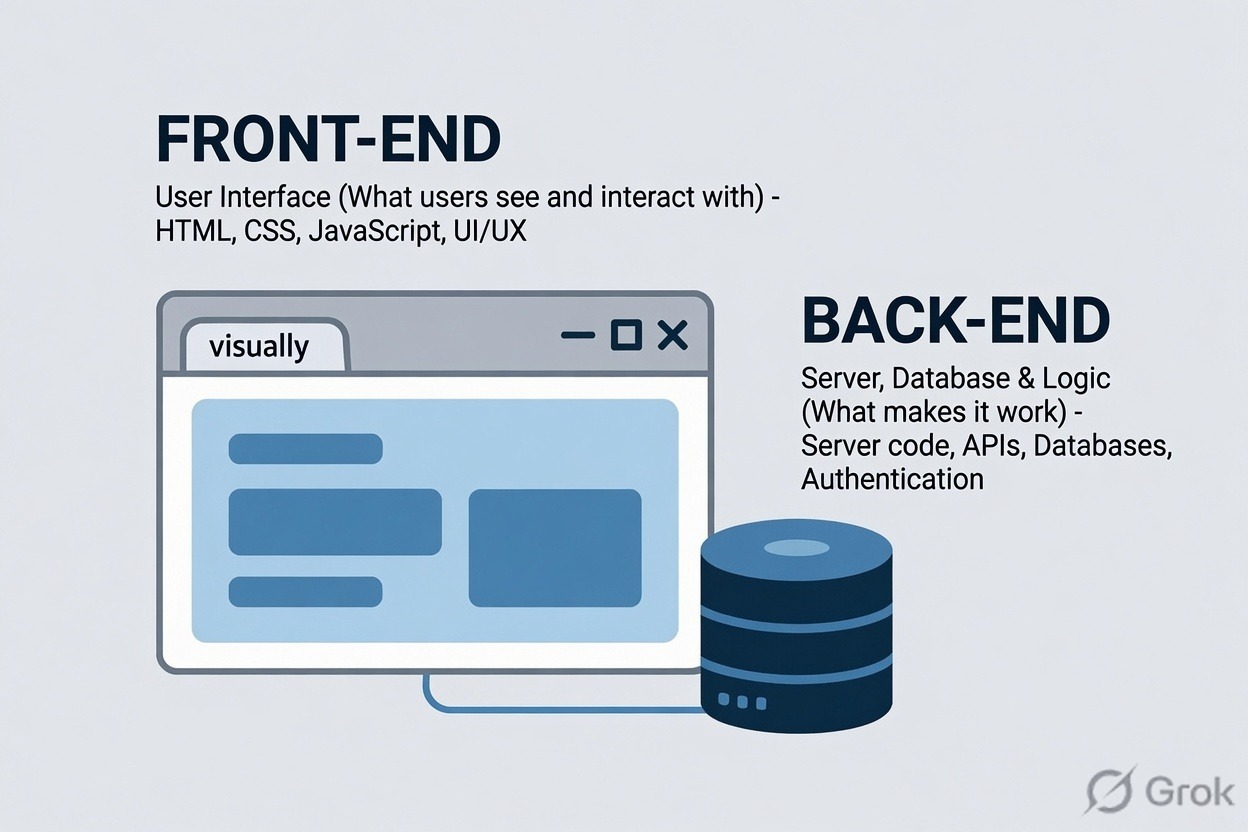
Front-End: The Web Designer’s Home Turf
The front-end It is what a layperson will judge your product by. You could develop the most robust and efficient system possible, but if the front-end looks cheap, that is how your product will be perceived by whoever uses it. A poorly designed user interface will make the best back-end system useless.
Back-End: What Keeps It Running
The back-end takes care of data, logic, security, and speed. A beautiful front-end built upon a slow and insecure back-end will always result in a bad product. The proper implementation of SSL and HTTPS, and the usage of trusted sources for scripts and fonts, is an elementary task of any good developer/designer.
Skills You Actually Need for Each Role
If you’re leaning toward design, focus on:
- Understanding visual hierarchy, color theory, and typography
- Design tools such as Figma and Adobe XD for mockups and prototypes
- HTML/CSS knowledge to be able to hand off designs that can be coded
- Usability testing techniques
If you’re leaning toward development, focus on:
- HTML, CSS, and JavaScript being your must-know basis
- A framework such as React, Vue, or a backend technology stack of PHP + Laravel
- Using Git and version control since day one and not as an afterthought
- Basics of security: input sanitization, HTTPS, and proper authentication techniques
For most professionals who work, the case would lie somewhere between the two extremes on the continuum. For instance, a front-end developer requires enough design acumen to design an aesthetically pleasing UI based on the design specification.
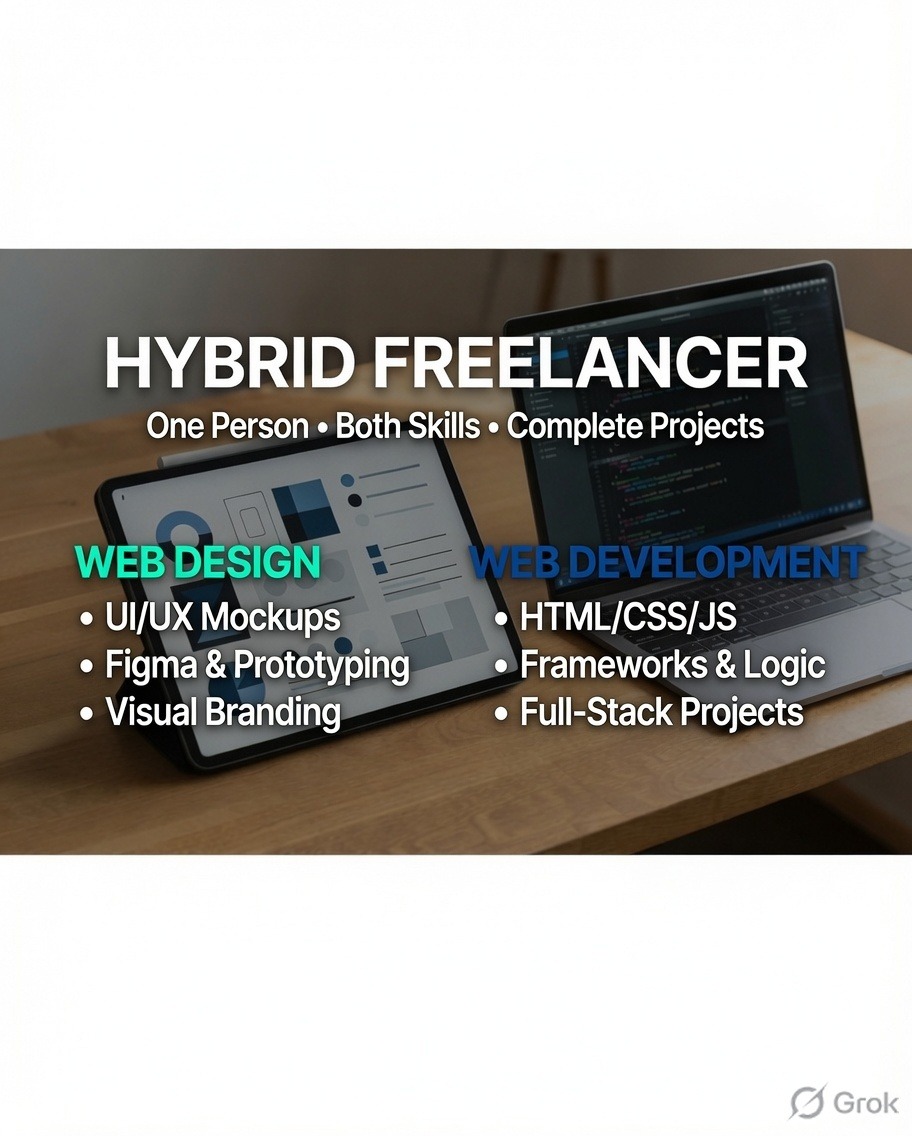
Can You Be Both a Web Designer and a Web Developer?
Absolutely, and there are many people working as freelancers who do this. The downside is expertise. A person who spends his/her time on both Figma and JavaScript will create decent and functional websites at a much faster rate than a specialist, but won’t reach the level of excellence that can be achieved by either a dedicated designer or a dedicated developer. In the case of smaller projects and freelancing, it is better to be a generalist rather than a specialist.
Web Developer vs Web Designer: A Quick Comparison Table
| Area | Web Designer | Web Developer |
|---|---|---|
| Main focus | Visual layout, UX, branding | Functionality, logic, performance |
| Core tools | Photoshop, Figma, wireframing tools | HTML, CSS, JavaScript, PHP, frameworks |
| Coding skill needed | Little to none | Essential |
| Output | Mockups, style guides, UI assets | Working, deployed code |
| Best for | People who think visually and care about UX | People who like logic, problem-solving, and building systems |
So Which One Should You Learn First?
Web Developer vs Web Designer: Which Path Fits You?
There’s no better of the two. A piece of software that is visually striking but has a faulty back-end performs just as poorly as one that has a flawless back-end, but with an ugly and confusing user interface. If you are someone who likes to make sketches of UI designs and think about user experience, go for design. If you like solving logic puzzles and getting a feature working, go for development.
FAQ
Do I need to know how to code to be a web designer?
Not really. Most web designers use visual applications such as Figma and Photoshop to do their job while having the developers code what they designed. Understanding basic HTML/CSS is useful when working with developers but not essential for design work.
Which pays more, web design or web development?
Not at all. Most web designers use visual tools such as Figma and Photoshop and depend on the developer to write the codes. Understanding the basics of HTML and CSS is important for communicating with developers but not necessarily for designing.
Should a beginner learn design or development first?
Go with whatever best fits the way you think. If your mind works in terms of layout, colors, and user experience, begin with design. If you enjoy working out puzzles and seeing something work in real time, begin with development.
Conclusion
The divide is between visual and logical approach, but the best solutions require both approaches executed well. Take the one that fits your style first and adopt sufficient bits of the other approach to communicate effectively in their language. We will discuss the technologies to learn for front-end development in 2026 in the upcoming post.



